أدوات الصور AI

مزيل خلفية الصور المجاني بالذكاء الاصطناعي

أزل الخلفية من أي صورة فوراً ومجاناً.

المهام الأخيرة

تظهر أحدث مهام الأدوات هنا أثناء معالجتها.

عرض الكل

جارٍ تحميل المهام الأخيرة...

Perfect Background Removal for Every Project

From product shots that sell to portraits that impress—our AI instantly removes unwanted backgrounds from any photo. Whether you need clean transparencies, crisp white backgrounds, or custom replacements, get studio-quality results in seconds.

Remove Background from Product Photos
01

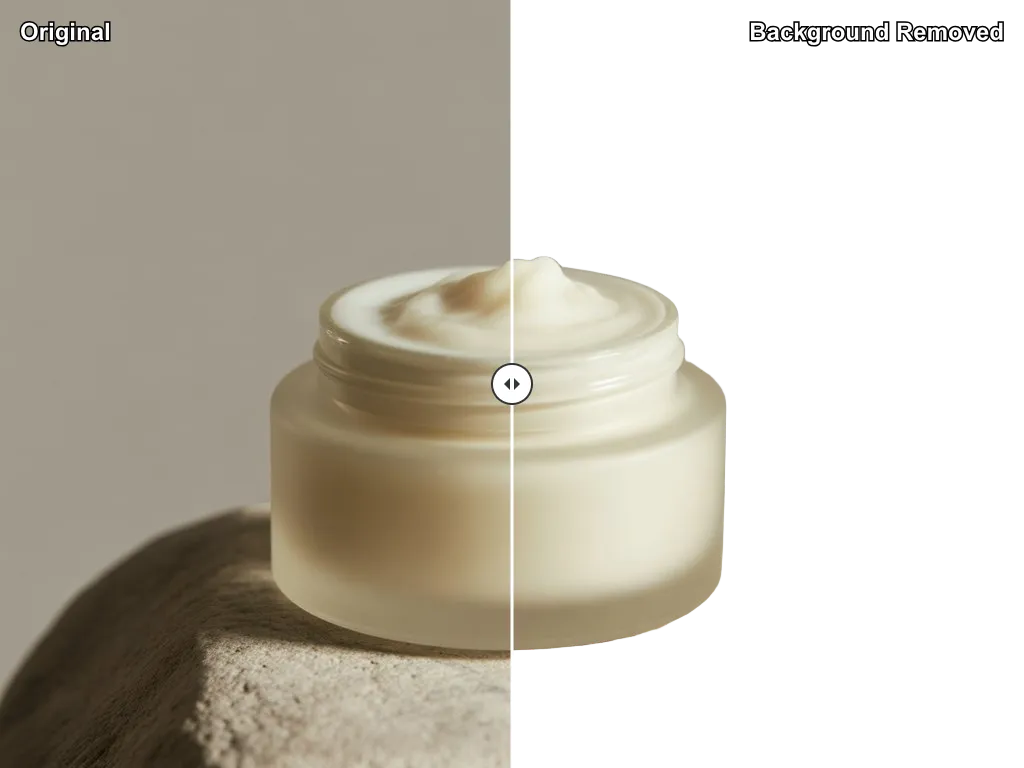
Remove Background from Product Photos

Turn amateur product photos into sales-driving images that convert browsers into buyers. Clean white backgrounds and professional background removal make your products shine on Amazon, eBay, and Shopify. Watch your conversion rates soar with professional-grade product images.

Remove Background from Portrait Photos
02

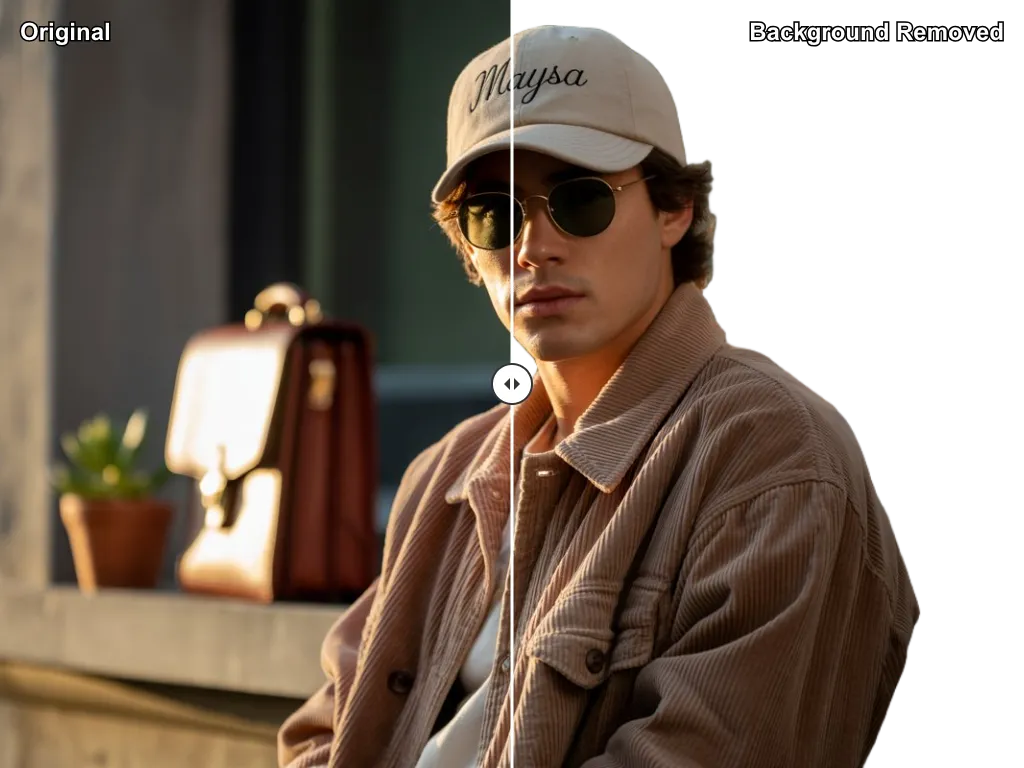
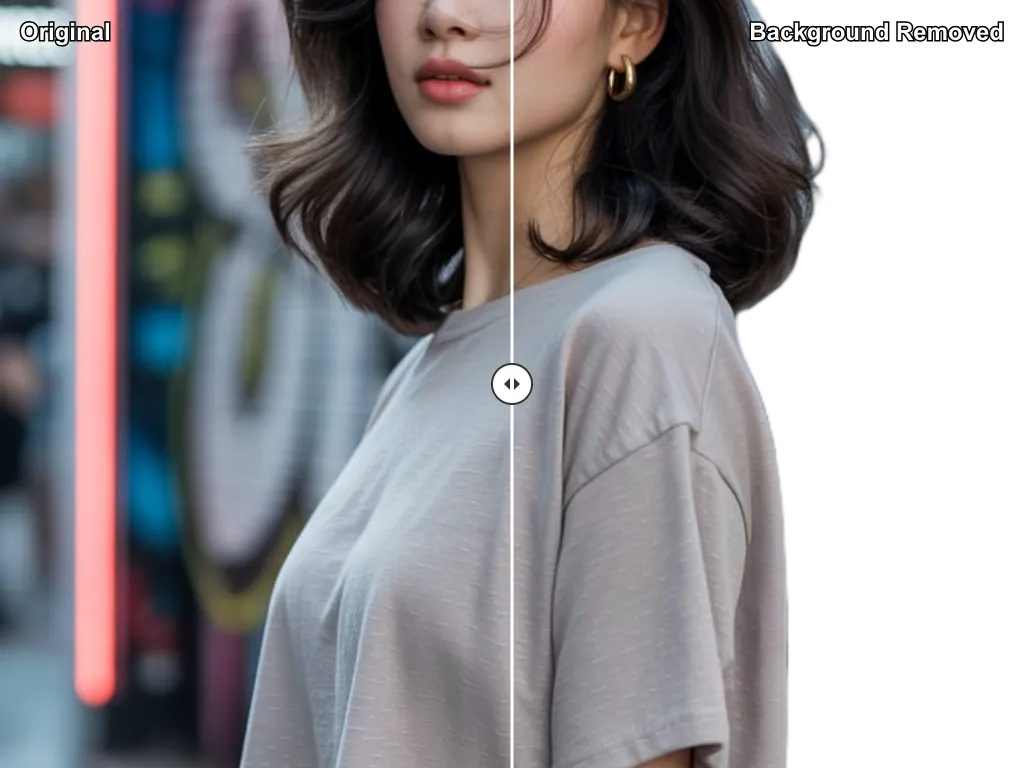
Remove Background from Portrait Photos

Create executive-level headshots that make powerful first impressions. Perfect for LinkedIn profiles, corporate websites, and professional presentations. Transform any photo into a polished portrait that commands respect and attention.

Remove Background from Social Media Photos
03

Remove Background from Social Media Photos

Stand out in crowded feeds with eye-catching visuals. Create Instagram posts that demand double-taps, YouTube thumbnails that boost click-through rates, and Facebook graphics that drive engagement. Your content, elevated.

Remove Background from Marketing Materials
04

Remove Background from Marketing Materials

Design campaigns that capture attention and drive results. From billboard-ready ads to presentation slides that persuade, create marketing materials with the professional polish that separates leaders from followers. Your brand deserves better.

How to Remove Background in 3 Easy Steps - Background Removal Made Simple

Skip hours of tedious editing. Our AI removes any background professionally in seconds. No design skills needed—just upload, process, and download.

  1. 1

    Step 1: Upload Image for Background Removal

    Drag and drop any image up to 24MB. Works with JPG, PNG, or WEBP files and handles everything from close-up portraits to full product shots. High-resolution images welcome—up to 4096x4096 pixels.

  2. 2

    Step 2: AI Background Remover Processes Your Image

    Our intelligent AI instantly recognizes your subject and cuts it out with pixel-perfect precision. Complex details like hair, fur, and fine edges? No problem. Professional results in under 10 seconds.

  3. 3

    Step 3: Download Background Removed Image

    Get your crystal-clear transparent PNG instantly. Perfect for web, print, or any project. Clean edges, studio quality, ready to impress your audience.

  4. 4

    Bonus: Add New Background After Background Removal

    Want more than transparency? Add solid colors, gradients, or your own background images. Your processed image integrates seamlessly—perfect for branding, marketing, or creative projects.
Why Our AI Background Remover is the Best Free Background Removal Tool

While others struggle with complicated software or settle for mediocre results, our users get professional-quality background removal instantly. Here's what makes the difference:

Handles the Impossible Details

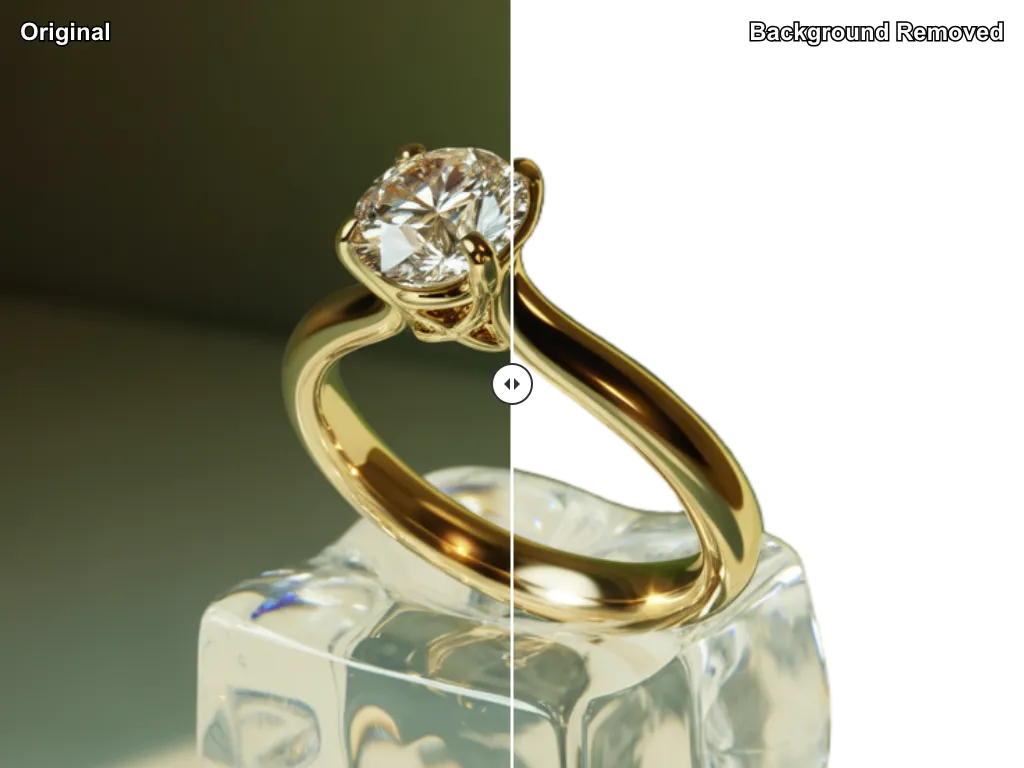
Where others fail, we excel. Complex hair, fine fur, delicate lace, transparent glass—our AI masters the challenging edges that make or break professional results. Get background removal that looks hand-crafted by experts.

10-Second Professional Results

Stop wasting hours on manual editing. What takes design professionals 30+ minutes, we deliver in under 10 seconds. 50x faster than traditional methods, with better results.

Works With Everything

People, products, pets, vehicles, complex objects—if it can be photographed, we can cut it out perfectly. From macro jewelry shots to group portraits, consistent excellence every time.

Print-Ready Quality

Not just web-ready—our outputs shine on billboards, business cards, and everything in between. High-resolution transparent PNGs that maintain crisp edges at any size.

Completely Free Forever

No hidden fees, no subscriptions, no watermarks. Professional-grade results without the professional price tag. Remove unlimited backgrounds and keep your budget intact.

Your Images Stay Private

Upload with confidence. We process and delete—never store, never share, never sell. Your creative work remains yours, with enterprise-level privacy protection.

Start Removing Backgrounds Now - Free Background Remover & Background Removal Tool

  • ✨ Professional results in under 10 seconds
  • 🚀 No registration, downloads, or hidden fees
  • 🎯 AI that handles impossible details perfectly
  • 💎 Studio-quality transparent PNGs every time
Remove My Background Now

Join 100,000+ creators, entrepreneurs, and businesses who've discovered the secret to professional-grade background removal without the professional price tag. Your next viral post, bestselling product, or winning presentation is just one click away.

Background Remover FAQ - Remove Background Online Questions Answered

Everything you need to know to remove backgrounds like a pro. Quick answers to help you get the best results.

What file types does the background remover support?

Upload JPG, JPEG, PNG, or WEBP files up to 24MB. You'll always get back a crystal-clear transparent PNG that's perfect for any project—web, print, or design.

How accurate is the background removal?

Exceptionally accurate. Our AI is trained on millions of images and handles the trickiest details—fine hair, fur, transparent objects—with precision that rivals expensive professional editing.

Can it handle multiple people or objects?

Absolutely! Whether it's a group photo, multiple products, or complex scenes, our AI intelligently identifies and preserves all subjects while removing just the background.

What's the maximum image size?

Up to 24MB and 4096x4096 pixels—perfect for everything from social media posts to high-resolution marketing materials. Big enough for billboards, fast enough for instant results.

How fast is the background removal process?

Lightning fast! Most images are processed in 5-15 seconds, regardless of complexity. That's 50x faster than manual editing and infinitely more accurate than struggling with design software.

Can I use these for my business?

Images created with our free plan are for personal, non-commercial use only. To use your creations for business purposes—like marketing, advertising, e-commerce, or client work—you'll need to subscribe to one of our paid plans. An active subscription grants you a full commercial license for all images you create.

What if the result isn't perfect?

Our AI nails it 95%+ of the time. For best results, use photos where your subject clearly contrasts with the background. Complex overlapping scenes might need tiny touch-ups, but you'll save hours compared to manual editing.

Are there usage limits?

Free users get generous daily credits. Need more? Affordable paid plans offer unlimited processing, priority queues, and premium features. Check your dashboard to see your current allowance.